
Primescope
Home
About
Categories
Contact
Home
About
Categories
Contact
Is your laptop running slow? Discover simple, actionable steps to boost its performance, from freeing up storage to managing startup programs, and give your old device a new lease on life.
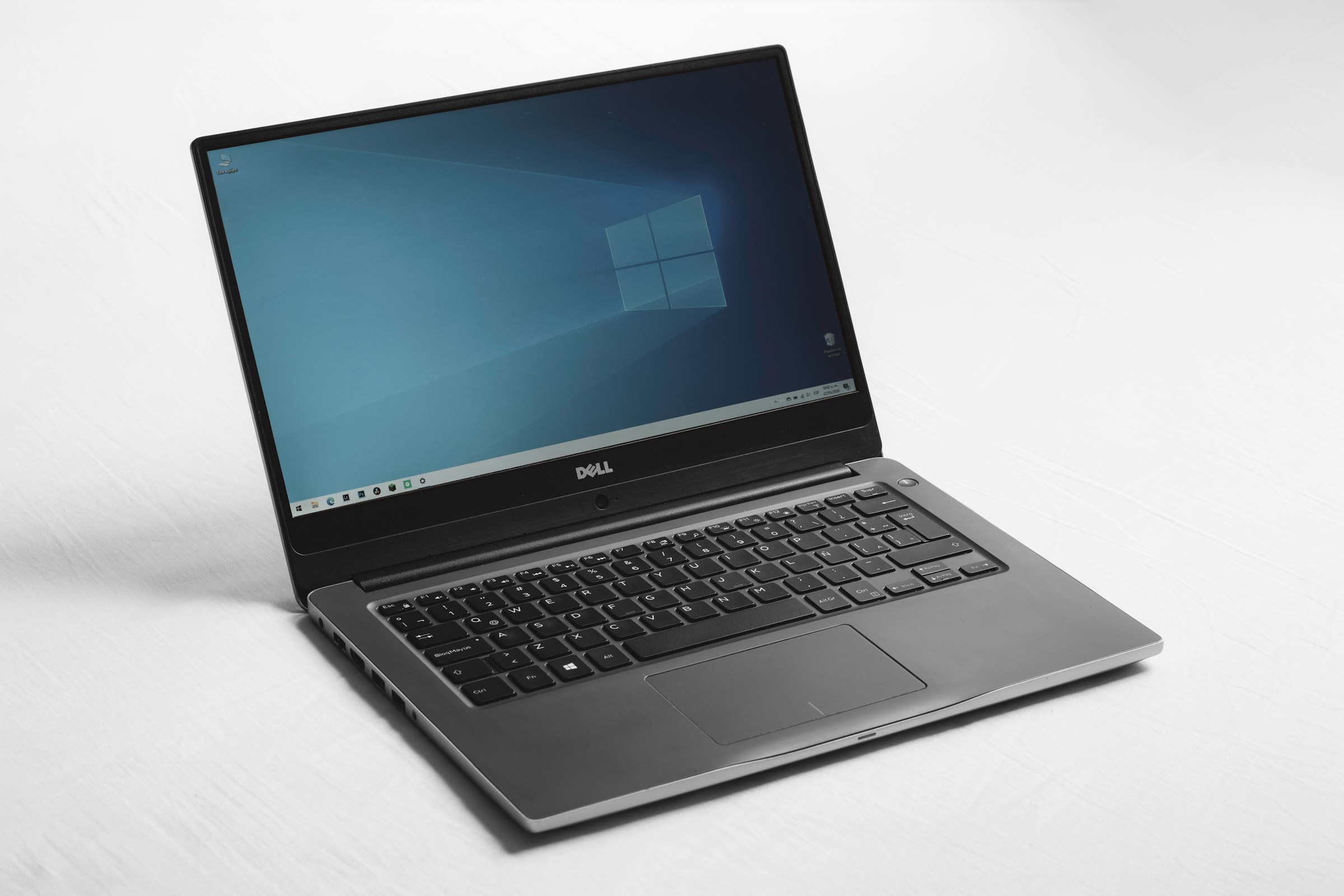
There’s nothing more frustrating than a slow-running laptop. What was once a fast, reliable tool can feel sluggish and unresponsive over time, making even simple tasks feel like a chore. Before you decide to buy a new machine, know that in most cases, a few simple tweaks can dramatically improve your laptop's performance. You don't need to be a tech expert to give your device a much-needed boost. This guide will walk you through easy, effective steps to help you get your speed back.
One of the most common causes of a slow laptop is a full hard drive. When your storage is nearly maxed out, your computer has less room to perform its essential functions.
Delete Unnecessary Files: Go through your downloads folder and documents, and delete any files you no longer need. Large video files or old installers are great places to start.
Empty the Recycle Bin: Remember that deleting a file only sends it to the recycle bin. To truly free up space, you must empty the bin.
Use a Disk Cleanup Tool: Both Windows and macOS have built-in tools that can help. On Windows, search for "Disk Cleanup." On macOS, go to the Apple menu, select "About This Mac," then "Storage," and click "Manage."
When you turn on your laptop, many programs automatically launch in the background. While some are necessary, others can significantly slow down your boot time and consume valuable resources.
On Windows: Press Ctrl + Shift + Esc to open the Task Manager. Go to the "Startup" tab, and you'll see a list of programs. Right-click on any non-essential program (like Spotify or Steam) and select "Disable."
On macOS: Go to "System Settings," then "General," and find "Login Items." Here, you can remove programs from the list that you don't need to launch at startup.
Software updates are not just for new features; they often include critical performance improvements and bug fixes that can make your system run more efficiently. Make sure your operating system (Windows, macOS, or ChromeOS) is up to date. Also, check for driver updates for components like your graphics card and network adapter, as outdated drivers can lead to performance issues.
Your web browser is a major source of slowdowns. Over time, it accumulates a massive amount of data, including cookies, cache, and a large number of extensions.
Clear Cache and Cookies: In your browser settings, find the option to clear browsing data. This can help speed up page loading times and resolve various issues.
Disable Unused Extensions: Go through your list of browser extensions and disable or remove any that you no longer use. Extensions consume a surprising amount of memory and processing power.
Malicious software and viruses running in the background can consume your computer's resources and cause it to slow down to a crawl. Use a reputable antivirus program to perform a full system scan. This will help you identify and remove any threats that may be compromising your laptop's performance and security.
While these tips won't turn a decade-old laptop into a modern powerhouse, they can make a significant difference in its daily performance. By regularly performing these simple maintenance tasks, you can extend the life of your device and enjoy a smoother, more responsive computing experience. Before you consider a costly upgrade, try these quick fixes to see if you can give your faithful laptop the second wind it deserves.
Laptop Performance
Speed Up Laptop
Computer Tips
Tech Help
Slow PC
Laptop Maintenance
Home
About
Categories
Contact